YouGooDai
Mobile of the Day

YouGooDai

5.0 FREE
  • Screenshot 1
  • Screenshot 2
  • Screenshot 3
  • Screenshot 4

Description

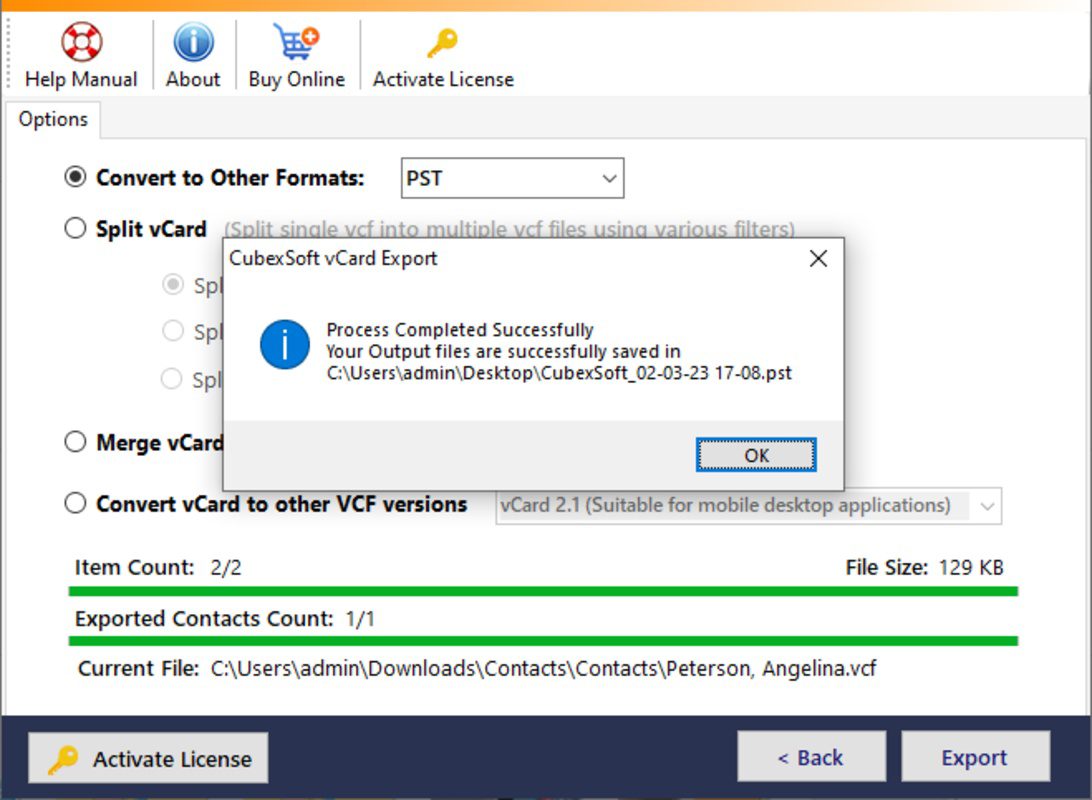
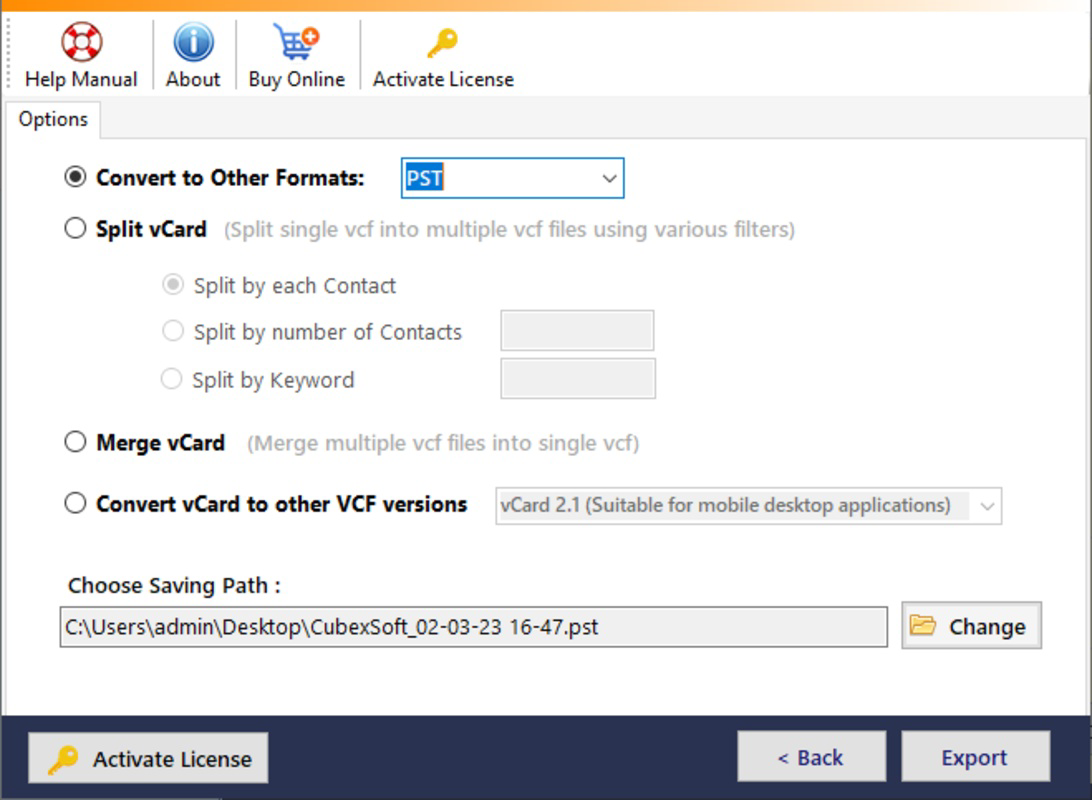
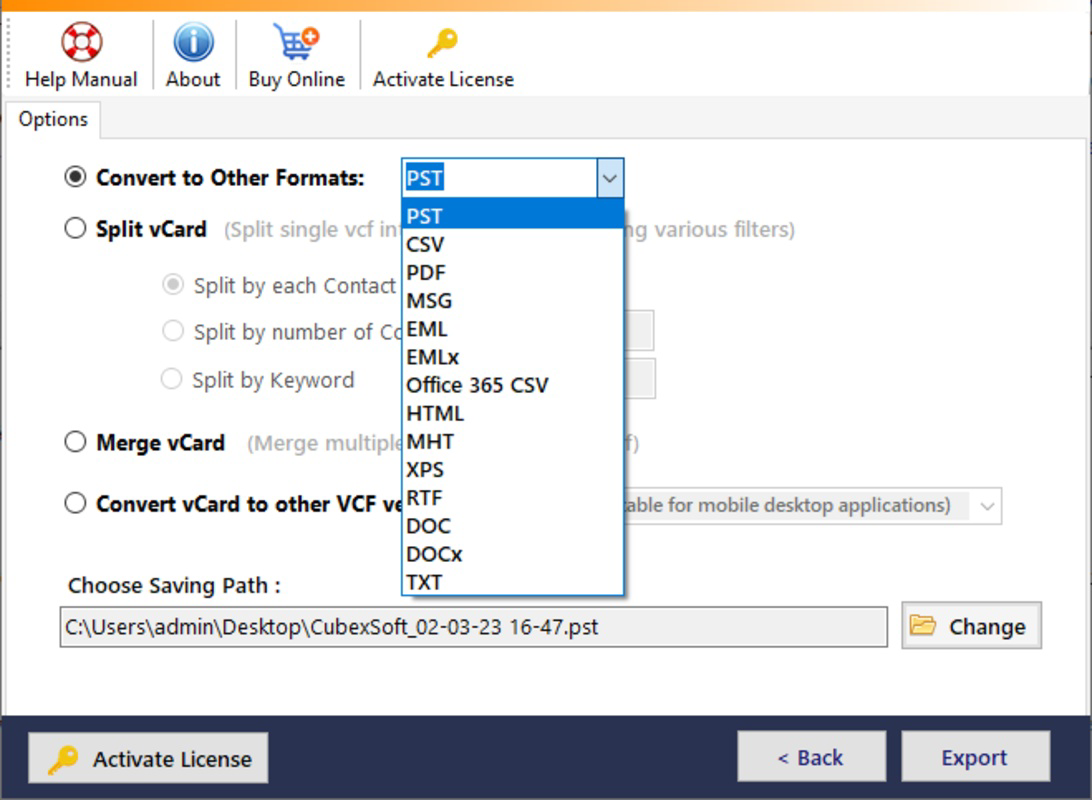
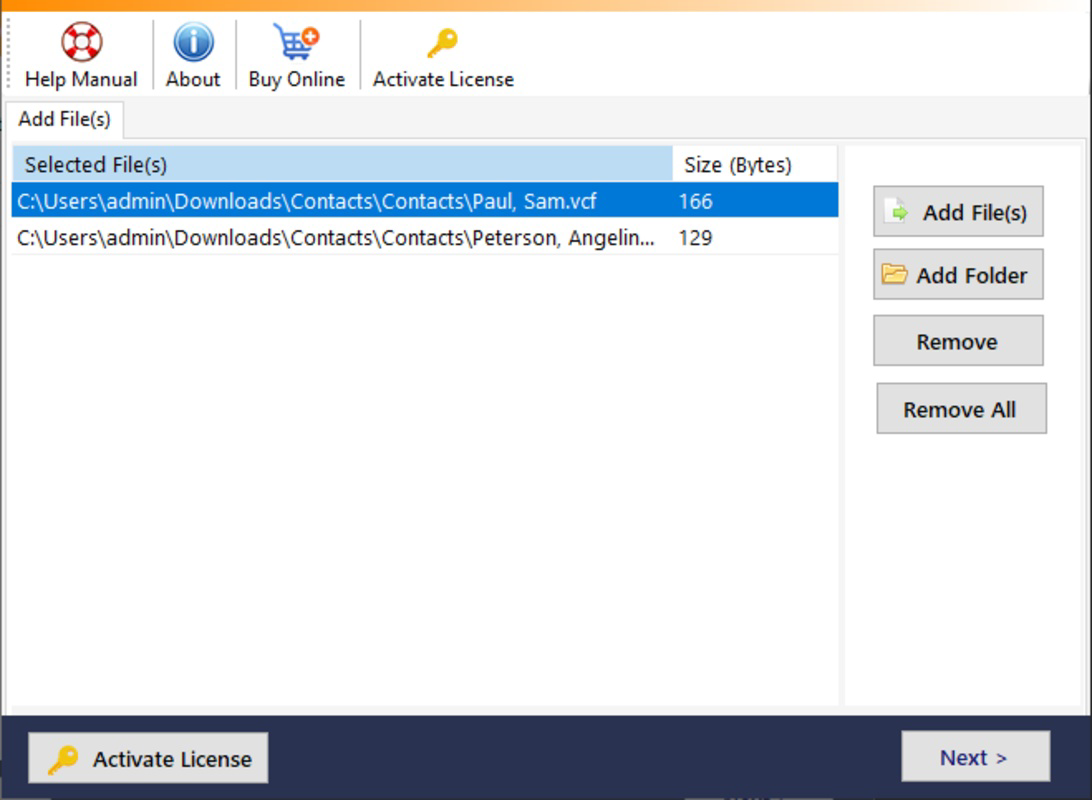
About MailDivert vCard ConverterMailDivert vCard Converter is a versatile tool designed for seamless conversion of vCard files. Supporting multiple formats including PST, MBOX, and CSV, it effectively manages single and multiple contacts conversions. The software is user-friendly and preserves data accuracy during the conversion process. Additionally, its demo version allows users to test functionalities free of charge. Features of MailDivert vCard Converter - Wide Format Support: MailDivert vCard Converter supports a range of output formats, including PST, MBOX, EML, PDF, and more. This versatility allows users to convert vCard files easily to the format best suited for their needs. The capability to choose from multiple formats makes it a valuable tool for diverse user requirements. - Single & Batch Conversion: The software allows users to convert both single and multiple vCard contacts efficiently. Users can easily convert vCard files, whether they contain one contact or several, without any hassle. This feature saves time and enhances productivity for users dealing with large amounts of contact data. - Data Integrity Assurance: MailDivert vCard Converter guarantees no data loss during the conversion process. Regardless of the source, whether it’s a smartphone or an email server, the tool preserves the integrity of contacts. This ensures that users can rely on the software for accurate contact migration. - VCF File Management: The converter includes options to split a single VCF file into multiple files and merge multiple VCF files into one. This allows for effective management of contact files, providing flexibility in organizing and manipulating contact data according to the user's needs. - Free Demo Edition: MailDivert offers a free demo edition that allows users to convert the first five contacts from five vCard files at no cost. This feature enables prospective users to evaluate the tool's efficiency and functionality before committing to a purchase, showcasing confidence in the product. Release Date of MailDivert vCard Converter 2025-07-02Reviewed by Joe C. JonesShow MoreShow Less

Guides & Tutorials for MailDivert vCard Converter

How to install MailDivert vCard Converter
  1. Click the Preview / Download button above.
  2. Once redirected, accept the terms and click Install.
  3. Wait for the MailDivert vCard Converter download to finish on your device.
How to use MailDivert vCard Converter

This software is primarily used for its core features described above. Open the app after installation to explore its capabilities.

User Reviews for MailDivert vCard Converter 0

    No reviews found

Similar Apps
